Organizer – notes, reminders, photos and music in one place
The PhoneMe Organizer brings together what is usually scattered across several apps: notes, reminders with alarms, a calendar, photos, videos, PDF documents and MP3 music. Sort everything into your own folders – and your data stays on your phone.
Get it on Google Play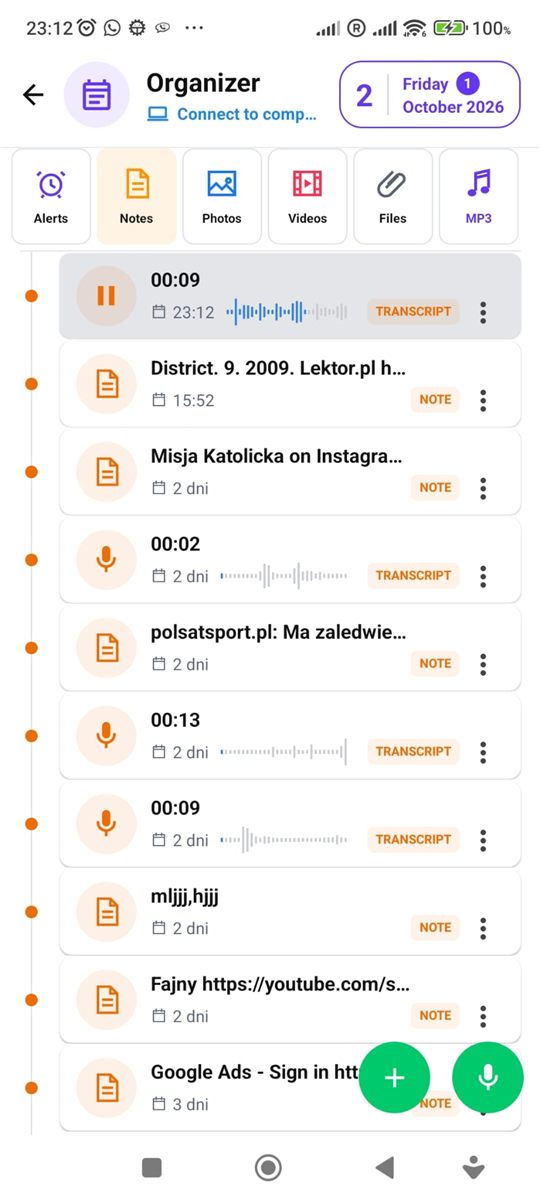
What the Organizer looks like
Tabs at the top, your things below.
What you’ll find in the Organizer
Six tabs, each for a different kind of thing.
Reminders with alarms
Set a time and your phone rings like an alarm clock – even on the lock screen. Reminders can repeat, for example every year for birthdays.
Notes and voice notes
Write with bold, lists and colours, or hold the microphone and record a voice note. Recordings can be turned into text – speech recognition runs on your phone, nothing is uploaded.
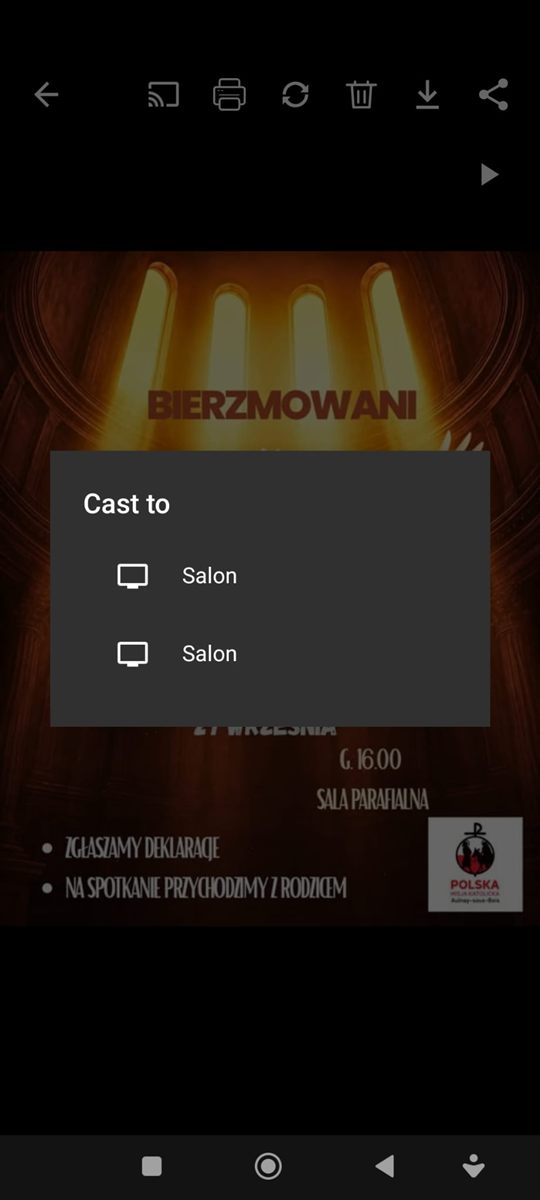
Photos
Crop, rotate, adjust brightness and add captions. Watch a folder as a slideshow with music – also on a TV with Chromecast.
Videos
Trim a video to the part you need or extract just the audio and save it as a sound file.
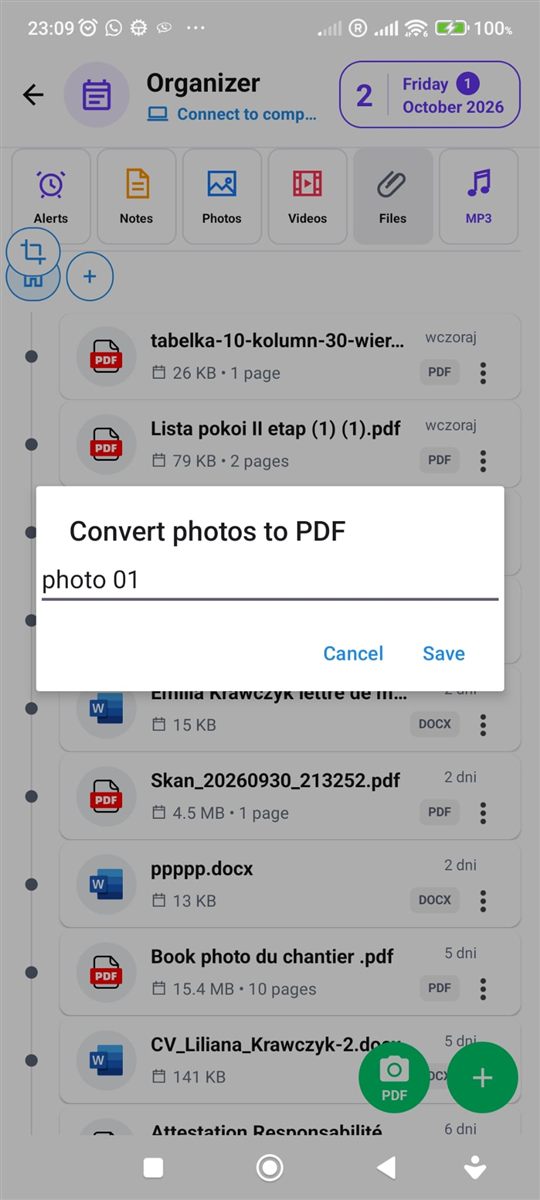
Files and PDF
Keep contracts, tickets and documents at hand. Merge PDF files, split them into pages and print right from your phone.
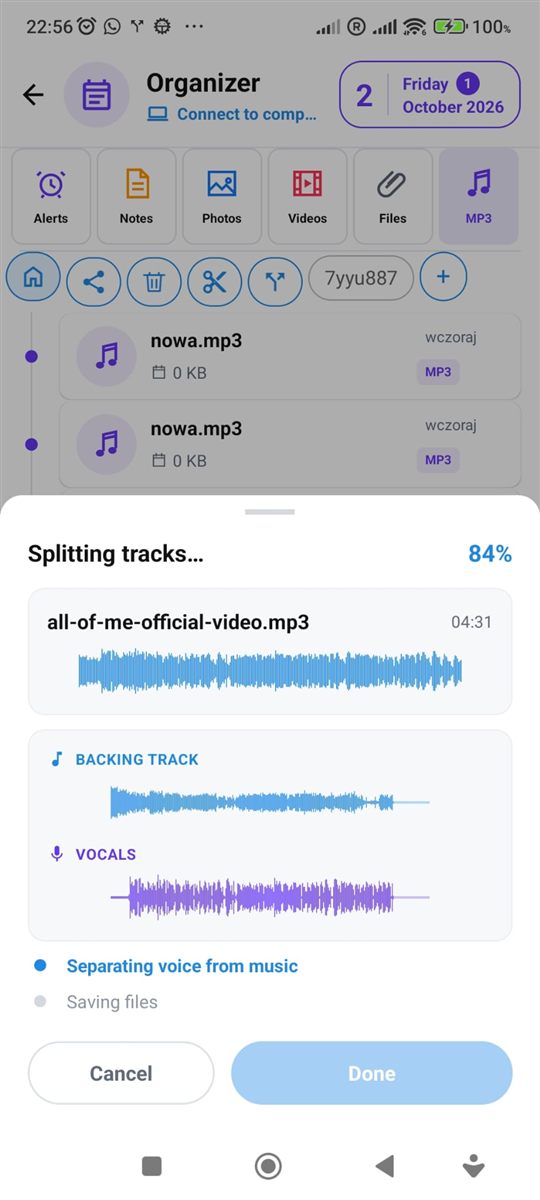
MP3 music
A player that keeps playing in the background, plus simple tools:
- combine several songs into one,
- trim and cut out the middle,
- separate vocals from music.
Calendar and order
So you never have to search.
Calendar
Month and day view. Reminders and notes show up right under the right date.
Your own folders
Create folders for photos, videos, files and music, and drag things with your finger to put them in any order.
Your data stays on your phone
Everything you keep in the Organizer is saved on your device. If you want a copy, you turn on backup to your own Google Drive account – PhoneMe has no access to those files.
Questions about the Organizer
Is the Organizer free?
Yes. The Organizer is part of the PhoneMe app, which you get for free from Google Play.
Do I have to use the chat to use the Organizer?
No. The Organizer works on its own – you can use it even if you don’t chat with anyone in PhoneMe.
Where are my notes and files saved?
In your phone’s storage. A copy on Google Drive is made only if you turn it on yourself.
Will a reminder ring when the phone is locked?
Yes. A reminder works like an alarm clock and also shows on the lock screen.