Private messenger – your conversation stays between you
With PhoneMe, messages, photos, voice notes, videos and files go straight from your phone to the other person’s phone. They never land on a PhoneMe server and nobody stores them along the way.
Get it on Google Play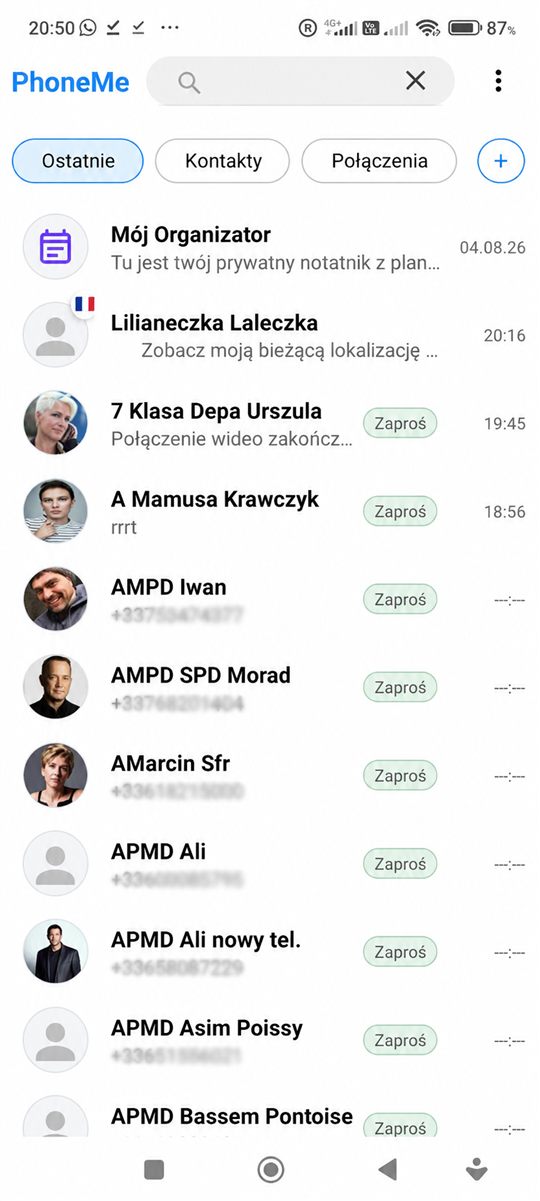
What you can do in the chat
Everything you use every day.
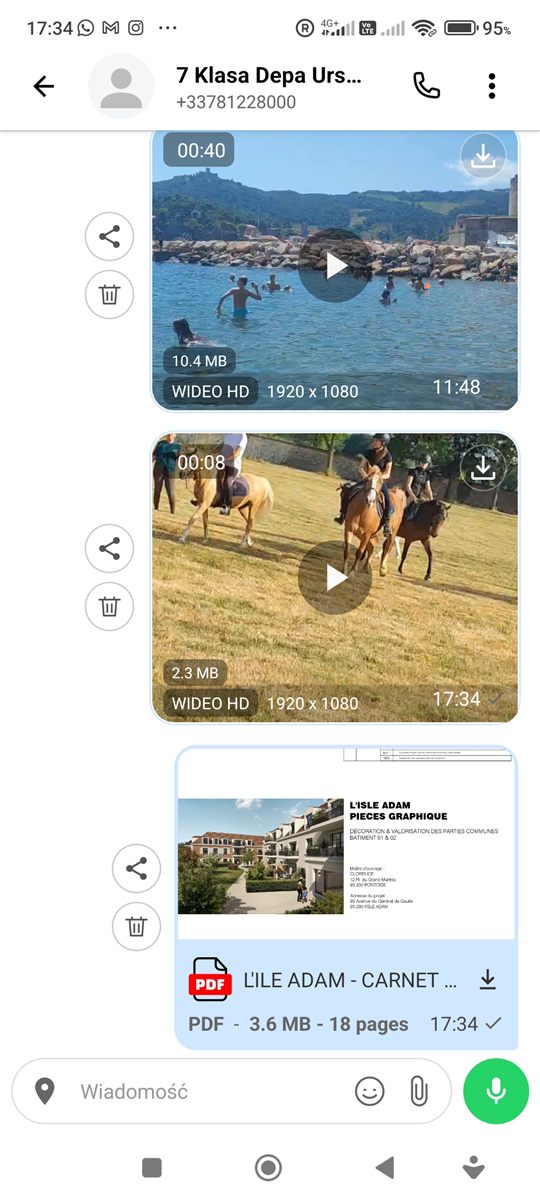
Messages and attachments
Write, send photos, videos, documents and voice messages. YouTube or TikTok links show up with a thumbnail.
Voice messages
Hold the microphone and talk. The recording goes straight to the recipient.
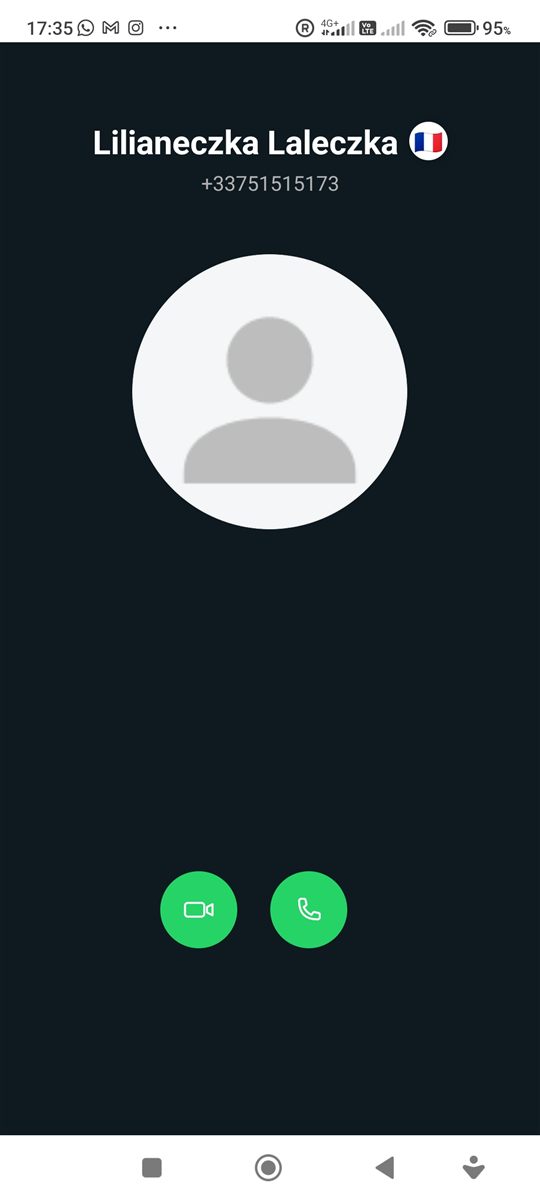
Free voice calls
Call other PhoneMe users for free, over Wi-Fi or mobile data.
Video calls with background blur
Blur your background with one tap so nobody sees what is behind you.
Translation on your phone
Translate messages and call subtitles into your language. Translation runs locally, on your phone.
Messages don’t wait forever
If the recipient is offline, a message waits for at most 7 days. Then it disappears – it is not kept anywhere along the way.
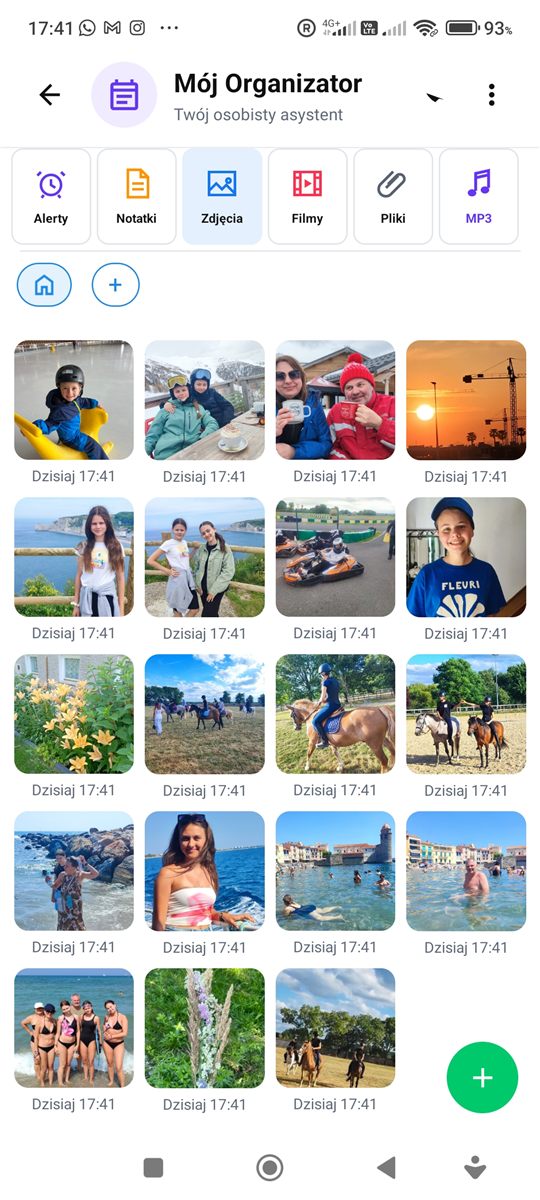
What PhoneMe looks like
Screenshots from the app.
How does it work without a server?
To set up a connection, PhoneMe uses one public Google service that helps two phones find each other on the internet. After that, the content flows directly between the phones – that service never sees or stores your messages, photos or calls.
Questions – Messenger
Does PhoneMe store my messages on a server?
No. Messages, photos, videos and files go directly from phone to phone. If the recipient is offline, a message waits for at most 7 days and then disappears.
Are calls free?
Yes. Voice and video calls between PhoneMe users are free – you only use your own internet connection.
How does message translation work?
Translation runs on your phone, without sending the text to outside servers. It supports many more languages than the app menu itself.
Who can I talk to?
People from your contacts who also use PhoneMe. You sign up with your phone number.