Merge, trim and separate vocals from MP3 – on your phone
The MP3 tab in the PhoneMe Organizer is a player and a simple audio studio in one. Combine several songs, cut out what you don’t need, separate vocals from music or extract audio from a video – no computer and no uploading.
Get it on Google Play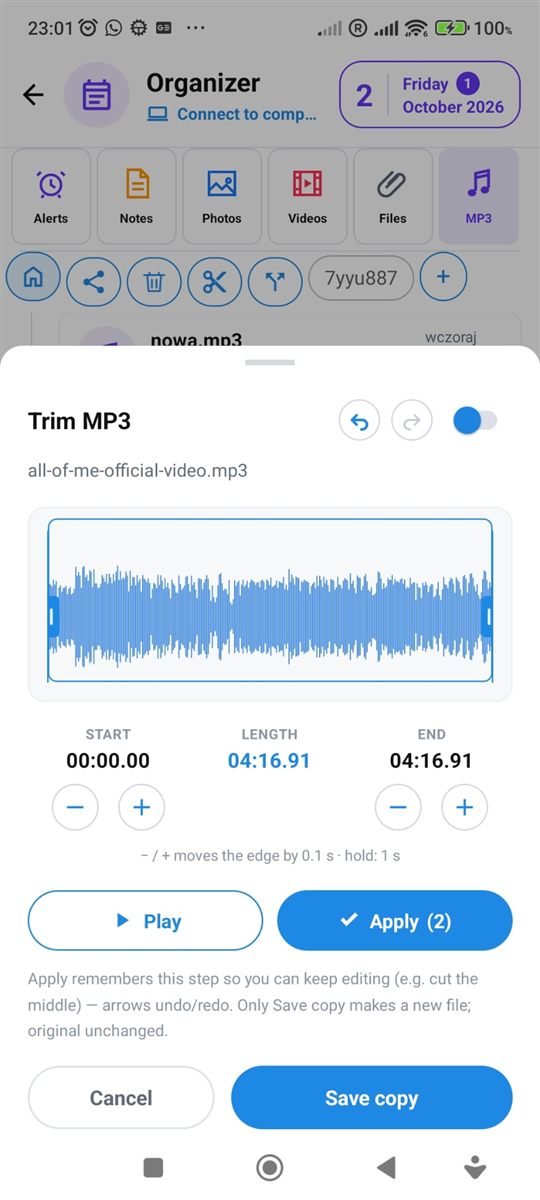
What you can do with an audio file
Everything is in the MP3 tab of the Organizer.
Combine MP3
Pick several songs, set the order and save them as one file.
Trim
Keep only the part you need – for example the chorus for a ringtone. Works with MP3, M4A and WAV.
Cut out the middle
Remove a section from the middle of a recording, like an ad or silence – the rest joins up by itself.
Separate vocals from music
Split a song into voice and backing track. Save the result as MP3, M4A or WAV.
Audio from video
Extract just the soundtrack from a video and save it as an audio file.
Background player
Listen to music from your own folders even with the screen off.
Questions – MP3 tools
Are the MP3 tools free?
Yes, all tools are part of the free PhoneMe app.
Is my music uploaded to the internet?
No. Merging, trimming and separating vocals all happen on your phone.
Which format can I save the result in?
When separating vocals or extracting audio from a video you choose MP3, M4A or WAV.
How do I separate vocals from music?
Select a song in the MP3 tab of the Organizer and tap “Split into vocals and backing track”. You get the voice and the backing track as separate files – great for karaoke.